7 Immigration client intake form templates for law firms: customizable fields and workflows
Updated: March 13, 2026
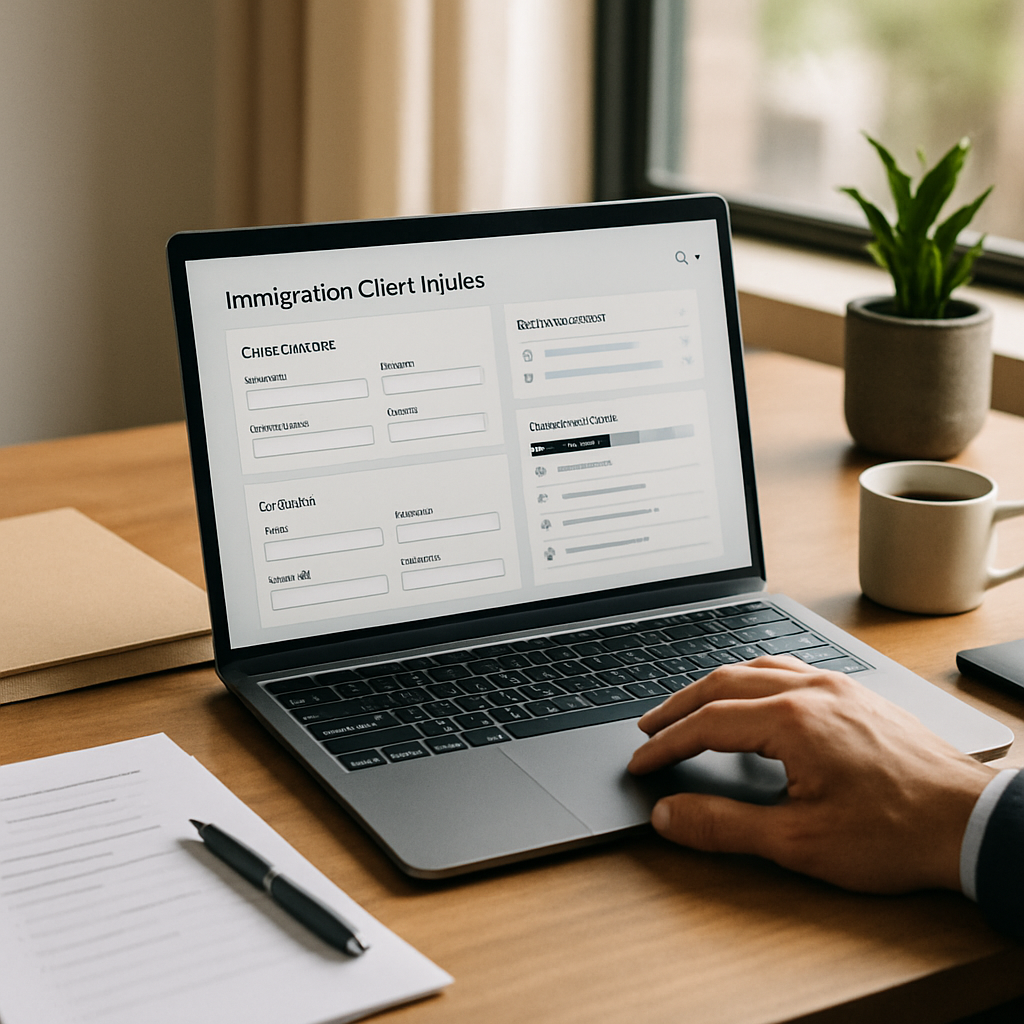
Accurate, repeatable client intake is the foundation of scalable immigration practices. This guide delivers seven editable immigration client intake form templates for law firms, with practical field-mapping guidance and workflow automation patterns you can implement in LegistAI to reduce manual data entry, speed evidence collection, and maintain consistent compliance controls.
Expect ready-to-adapt templates for common immigration matters (including H-1B, I-130 family petitions, and adjustment of status), step-by-step instructions for mapping intake fields into your case management schema, a prioritized selection criteria for choosing templates, and an implementation checklist you can use during onboarding. The goal: streamline client intake and onboarding with custom fields, generate engagement letter templates programmatically, and automate status updates without introducing unverified guarantees about case outcomes.
More in Intake Automation
Browse the Intake Automation1. H-1B petition intake template — technical hires and employer sponsors
The H-1B petition intake template is designed for employer-sponsored, specialty-occupation filings and focuses on collecting employer details, job specifics, beneficiary qualifications, and supporting evidence. Use this template to ensure you capture labor condition application (LCA) data, wage details, job location specifics, and beneficiary education/employment history up front. Including structured fields for SOC codes, prevailing wage source, and detailed job duties reduces downstream follow-up and speeds drafting of position descriptions.
Key fields
- Employer details: legal name, FEIN, NAICS, HR contact, payroll provider
- Position details: job title, SOC code, wages, full-time/part-time, start date, job location(s)
- Beneficiary data: full legal name, DOB, passport, education history, current immigration status, USCIS receipt numbers
- Supporting documentation checklist: diplomas, transcripts, employment letters, prior visas, pay stubs, LCA
Mapping guidance
Map each intake field to discrete case-matter fields in LegistAI so the platform can auto-populate templates and drive task routing. For example, map "job location" to a structured address object that triggers location-specific wage checks and generates a task to confirm LCA filing. Map education entries to a repeatable array so AI drafting tools can synthesize a credential paragraph for the petition.
Sample JSON field-mapping snippet:
{
  "caseType": "H-1B",
  "employer": { "legalName": "employer_name", "fein": "fein" },
  "position": { "title": "job_title", "socCode": "soc_code", "wage": "wage_amount" },
  "beneficiary": { "fullName": "beneficiary_name", "dob": "dob", "passport": "passport_number", "education": [ { "degree": "degree", "institution": "school" } ] }
}
Pros and cons
Pros: Captures employer and beneficiary data needed to draft H-1B petitions and LCA follow-ups, supports multi-location roles, and integrates with evidence checklists. Cons: Employer-side payroll integrations and prevailing wage lookups may require separate workflows or third-party validation; initial setup of SOC and wage tables requires firm-specific configuration.
2. I-130 family-based petition intake template — beneficiary, petitioner, and relationship evidence
An I-130 intake template focuses on establishing the qualifying family relationship and collecting primary evidence while minimizing back-and-forth. This template prompts for petitioner and beneficiary biographical data, marriage or birth certificate details, prior names, divorce and death records, cohabitation history, and supporting documentary evidence. It also includes fields useful for consular processing versus adjustment of status pathways.
Key fields
- Petitioner and beneficiary biographics: full legal names, nationals, DOB, addresses, contact methods
- Relationship evidence: marriage certificate, photos, joint accounts, cohabitation address history
- Immigration history: prior filings, prior denials, current status, entry/exit records
- Consular vs AOS selection: flags to route later steps for DS-260 vs I-485
Mapping guidance for FOIA and evidence collection
Map evidence items to an evidence-collection checklist with status flags (missing, requested, received, reviewed) so LegistAI can generate targeted client reminders and create a consolidated exhibit index. For FOIA requests, include a discrete "USCIS record identifiers" field and map it into a FOIA workflow that auto-creates the request package and tracks responses in audit logs.
When mapping relationship evidence, use repeatable collection fields for each document type so templates for affidavit drafting and support letters can be generated automatically by the AI drafting tool. For firms concerned about bilingual intake, enable multi-language prompts (e.g., Spanish) to reduce translation overhead and improve completeness.
Pros and cons
Pros: Structured evidence collection reduces RFEs and supports parallel workflows for consular processing or adjustment of status. Cons: Gathering older foreign civil documents often requires country-specific guidance and time, so set client expectations in the engagement letter template for immigration attorneys to include likely timelines for documents.
3. Adjustment of status (I-485) intake template — concurrent filings and medicals
The I-485 intake template is optimized for adjustment of status filings, including family-based, employment-based, and special categories. It collects medical examination details, biometrics availability, concurrent filing selections (I-130/I-485), and eligibility screening items up front. Because I-485 often requires synchronized evidence across multiple forms, a well-structured intake preserves consistency across AOS exhibits and RFE responses.
Key fields
- Eligibility flags: priority date, visa category, adjustment basis
- Medical exam data: provider name, date, CDC form details
- Concurrent filing: toggle fields for linked I-130, I-765, I-131
- Criminal history and inadmissibility screenings: structured yes/no with explain fields
Field mapping and workflow automation
Map medical exam data into a document node that triggers a validation task and an automated reminder to upload the completed I-693 form. Configure conditional logic so that if a criminal history flag is set, LegistAI auto-routes to an eligibility review task for a supervising attorney and attaches a checklist of potential waivers and evidence. Use the intake to populate the I-485 worksheet and generate preliminary drafts for the client review step.
Include "client intake and onboarding with custom fields" by creating custom enumerations for visa categories and clinic providers in LegistAI. This enables accurate filtering and reporting during case triage meetings, and ensures engagement letter terms reflect the specific scope and fees for I-485 work.
Pros and cons
Pros: Centralizes multiple concurrent filings, automates medical evidence tracking, and reduces inconsistencies across forms. Cons: Medical forms and biometrics scheduling may be constrained by external USCIS capacity and timing, which requires dynamic client communication workflows rather than fixed deadlines.
4. Consular processing and DS-260 intake template — overseas evidence and appointment prep
Consular processing templates emphasize foreign documents, translations, and local schedules. The DS-260-oriented intake collects embassy preferences, native name transliterations, passport histories, and civil documents that consulates commonly require. This template should also create a pre-appointment checklist and a localized document guide for the beneficiary's country of origin.
Key fields
- Consulate preference: country, city, interview window
- Passport and travel: passport number, issuance/expiry, travel history
- Foreign civil documents: birth, marriage, police certificates, translations
- Translation and notarization: translator details and authentication steps
Workflow and evidence mapping
Map consulate and country fields into a rules engine that produces a country-specific evidence checklist. For example, if the beneficiary's country is listed as X, the system attaches a checklist item for a local police clearance and suggests a translation vendor or template language for certified translations. Use automated client communication to provide a timed sequence: collect documents, certify/transcript translations, and schedule the visa medical.
Include an immigration onboarding checklist for new clients law firm that enumerates country-specific lead times, translation timelines, and fee stages. This enables the matter manager to set realistic milestones and trigger escrow or billing tasks in LegistAI.
Pros and cons
Pros: Country-specific automation reduces errors and interview cancellations. Cons: Requirements vary widely by consulate and change frequently, so maintain an internal knowledge base and periodic review process to keep checklists current.
5. Employment-based PERM and labor certification intake template — employer attestations and recruitment
PERM and PERM-adjacent intake templates collect employer attestations, recruitment timelines, job descriptions, and proof of recruitment steps. Because PERM is evidence-sensitive, the intake should require structured entries for each recruitment step (ads, internal postings, responses) and capture the recruitment report details that support prevailing-wage determinations and labor market test compliance.
Key fields
- Job posting history: publication dates, newspapers, job board URLs, applicant counts
- Recruitment outcomes: interview notes, lawful rejection reasons, resumes retained
- Employer attestations: business necessity statements, job requirements justification
- Prevailing wage and recruitment proof: wage source, wage code, LCA reference if applicable
Mapping and compliance controls
Map recruitment items to a timeline that LegistAI can use to auto-generate a recruitment report. Use role-based access control to limit who can edit employer attestations and to ensure audit logs capture changes. Set automated reminders for document retention windows and generate a compilation of recruitment evidence in a single PDF exhibit for audit or audit response.
Pros and cons
Pros: Structured intake reduces risk of inconsistent recruitment reporting and streamlines exhibit generation. Cons: Recruitment evidence often requires human review for lawful rejection reason adequacy; plan for supervisory review steps in the workflow.
6. Naturalization (N-400) and citizenship intake template — continuous residence and moral character flags
Naturalization intake forms must capture residence history, travel, tax compliance, selective service, and moral character issues. The N-400 template emphasizes detailed timeline capture and flags for potential disqualifiers that require evidentiary support or legal analysis. With structured fields, AI-assisted drafting can assemble the naturalization interview narrative and pre-fill interview practice notes.
Key fields
- Residence and travel timelines: addresses, dates, days abroad
- Employment and tax history: employer names, tax filing flags
- Moral character disclosures: arrests, charges, convictions, civil judgments
- Selective service and military service: registration details
Workflow automation and risk screening
Map all timeline fields into a chronological engine that highlights continuity of residence and physical presence. Create a conditional task: if any moral character flags are set, route the matter for a supervisory legal review and an AI-assisted memo outlining potential issues and recommended evidence. Automate a client interview preparation packet and an engagement letter template for immigration attorneys that explains scope and fee structure specific to naturalization representation.
Pros and cons
Pros: Clear timelines and flags guide pre-interview preparation and evidence collection, and reduce last-minute surprises. Cons: Moral character and criminal-history analysis typically require attorney judgment; automation supports but does not replace legal analysis.
7. Deferred action, humanitarian, and special-category intake template — sensitive evidence and confidentiality controls
Humanitarian filings require careful handling of sensitive facts and evidence. This template includes fields for trauma-informed questions, confidentiality preferences, and consent to share details with third parties. It also structures evidence for affidavits, country conditions, and medical or psychological evaluations often necessary in humanitarian petitions.
Key fields
- Sensitive disclosures: concise protected questions with consent toggles
- Medical and psychological evidence: provider names, report dates, HIPAA consent handling
- Country condition and corroboration: incident timelines, witness contacts, documentary evidence
- Confidentiality settings: redaction needs, limited-access roles
Security and compliance mapping
Map sensitive fields to restricted document nodes and enforce role-based access control so only authorized users can view highly sensitive materials. Enable encrypted storage at rest and in transit for these documents and log all access in audit logs. Use automated workflows to obtain informed consents and schedule trauma-informed interviews, and generate dossier packages for petition drafting with redaction options.
Pros and cons
Pros: Structured, confidentiality-aware intake protects client safety and ensures proper evidentiary packaging. Cons: Sensitivity of content increases onboarding time and requires additional staff training on trauma-informed intake and data handling policies.
Conclusion
These seven immigration client intake form templates for law firms provide practical, editable starting points to capture the data you need, reduce rework, and enable automation in LegistAI. By mapping intake fields to discrete case fields, creating conditional workflows for evidence collection and FOIA requests, and instituting role-based access and audit logs for sensitive material, firms can scale matters while maintaining compliance and client trust.
Ready to operationalize these templates? Use the numbered checklist below during your LegistAI onboarding to map fields, set up conditional workflows, and create engagement letter templates for immigration attorneys. Contact our team to request template files or a demo of how these forms plug into LegistAI's automation and AI-assisted drafting tools.
Frequently Asked Questions
Can these intake templates be customized for bilingual clients?
Yes. The templates are designed to support multi-language prompts—commonly Spanish—so you can present forms in the client’s preferred language. LegistAI supports multi-language client portals and bilingual field labels, reducing translation workload and improving data completeness.
How do I map intake fields to case management without creating duplicate data?
Map intake fields to a canonical case schema with discrete objects for parties, addresses, and documents. Use repeatable arrays for multi-entry fields (education, employment) and unique identifiers (e.g., "beneficiary_id") to prevent duplication. LegistAI’s field-mapping approach lets you define one source-of-truth per data element and populate templates and workflows from those mapped fields.
Will these templates help with FOIA requests or evidence indexing?
Yes. Include discrete fields for USCIS identifiers and evidence checklist items; map those to an evidence node that supports status flags (missing, requested, received). That structure lets you auto-generate FOIA request packages and maintain an indexed exhibit list for petitions and RFE responses.
How do I create an engagement letter template for immigration attorneys from intake data?
Use intake fields to populate engagement letter placeholders such as client names, scope (e.g., I-485 or I-130), estimated fees, and document responsibilities. LegistAI can use templates with merge fields and conditional clauses so the engagement letter reflects client-specific selections and triggers e-signature and onboarding workflows.
What security controls should I enable for sensitive humanitarian cases?
Enable role-based access control to restrict sensitive-document visibility, ensure encryption in transit and at rest, and turn on comprehensive audit logs. Configure consent capture fields during intake and use redaction workflows when generating public-facing PDFs to maintain client confidentiality.
Want to Implement This Workflow With LegistAI?
Schedule a short walkthrough tailored to your case types, intake, document collection, and deadline management.
Continue Reading
- Client Intake Form Templates for Immigration Law Firms — ready-to-use templates and best practices
- Secure Client Intake Form Templates for Immigration Law: Downloadable Examples
- Immigration Intake Checklist for Automated Client Onboarding
- Step-by-Step Immigration Client Onboarding Checklist for Small Firms
- How to set up intake workflows for immigration cases: onboarding, automation, and templates